
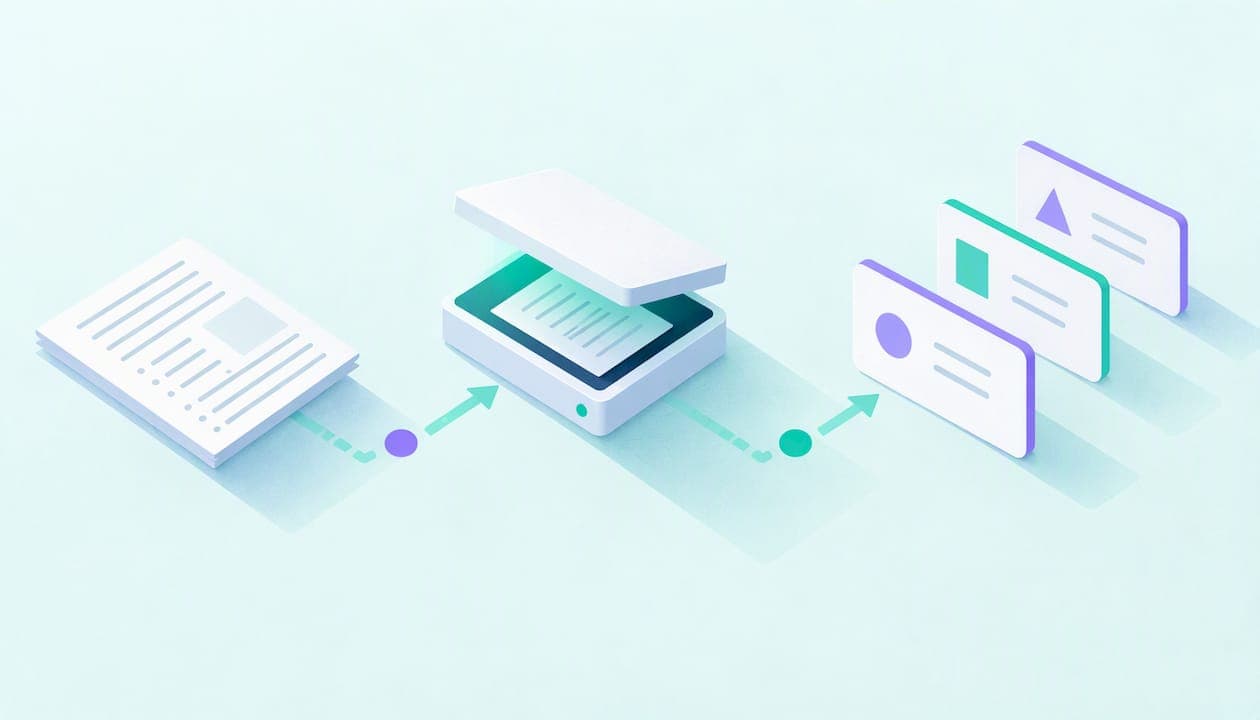
You can turn handwritten or printed notes into flashcards in four moves: capture each page cleanly, run OCR to get text, proofread that text, then let AI draft question-and-answer cards that you edit and practice over several days. The scan is the easy part. The proofreading and the practice schedule decide whether the deck helps you on exam day.
This guide covers each move, with the mistakes OCR makes most often and the card edits that matter.
TL;DR
- Photograph or scan one page at a time, straight, evenly lit and without glare. Image quality is the usual bottleneck, not the flashcard step.
- OCR is not guaranteed to be right. Compare formulas, units, names and accented characters against the original image before you study from them.
- Edit the AI-drafted cards so each one tests a single fact or relationship, with a short answer.
- Spread practice over days. Research on successive relearning found that combining retrieval and spacing boosted learning by at least 10% in a difficult course.
- We built AtListen to turn notes, PDFs and other study material into flashcards, summaries and practice questions. The Free plan costs $0 per month.
Table of Contents
- What OCR actually does with your notes
- Capture the page properly
- What OCR gets wrong, and how to catch it
- From transcript to good cards
- Practice matters more than conversion
- Special cases
- Our perspective
- Start with your own notes
- FAQ
- Sources
What OCR actually does with your notes
Optical character recognition reads the pixels of an image and returns text. Phone cameras, scanner apps and cloud services all do some version of it. On an iPhone, for example, Live Text lets you interact with text in Photos, Camera and Safari, so you can copy it out of a picture.
That gets you a transcript. It does not get you flashcards, and it does not tell you whether the transcript is right. Two things follow:
- OCR output is raw material. Treat it like a first draft typed by someone who has never taken your class.
- Flashcards are a second, separate step: deciding what is worth asking, and how.
The tools that rank for this topic mostly bundle both steps: snap a photo, get cards. That is convenient, but the bundle hides the point where errors enter. Knowing the two steps helps you check each one.
Capture the page properly
If OCR goes wrong, the cause is usually the picture. Amazon's Textract guidance recommends high-quality input, ideally at least 150 DPI, and advises against converting or downsampling supported PDF, TIFF, JPEG or PNG files before processing. IBM's text recognition guidance likewise says recognition improves when images are straight and free of background noise.
In practice:
- One page per shot. A wide photo of an open notebook with two pages and a desk edge forces the software to guess where the text is.
- Hold the phone parallel to the page. Angled shots stretch letters and curve lines.
- Kill glare and shadows. Turn off the flash, move near a window or under a lamp, and keep your hand out of the frame.
- Crop to the page. Background clutter is noise.
- Keep the original file. Do not screenshot a photo or compress it through a messaging app before running OCR.
- Split dense layouts. If a page has two columns, margin notes or a diagram in the middle, shoot each section separately.
Typed notes and slides are easier
If your notes are already digital (a PDF of lecture slides, a Google Doc, a typed outline), skip OCR altogether. Text you can select needs no recognition, and you remove the biggest source of errors. Use OCR for paper, whiteboard photos and image-only PDFs.
What OCR gets wrong, and how to catch it
The research on accuracy is blunt: it depends on the algorithm, the task and the handwriting. A Chapman University evaluation of ten OCR algorithms found accuracy varied across them, and a 2026 paper on digitizing handwritten notes reports ongoing difficulty with diverse handwriting styles and multilingual content. AWS suggests human review when mistakes carry a cost. A failed exam answer is a cost.
Here is a checklist of what to compare against the image, ordered by how often it bites:
| Where OCR slips | What it looks like | What to do |
|---|---|---|
| Reading order | Columns, arrows or side notes get merged into one jumbled line | Read the transcript top to bottom against the page. Reorder or split. |
| Numbers and symbols | A minus sign vanishes, a superscript flattens (x2 instead of x²), units drop | Recheck every formula, unit and sign by eye. |
| Look-alike characters | 0 and O, 1 and l, rn and m | Scan for words that look odd, especially in names and codes. |
| Names and terms | Drug names, legal terms, chemical formulas get "corrected" to common words | Verify against your textbook or slides. |
| Accents and diacritics | é, ñ, ü lost or swapped | Compare every foreign-language entry with the page. |
| Cursive | Whole lines turn to nonsense | Retype those lines by hand. |
| Diagrams | Labels extracted, but the arrows connecting them are gone | Rebuild the relationship as a card yourself. |
The more consequential the material, the more manual comparison it deserves. Equations, dosages, legal definitions and language diacritics are the places to slow down.
Also, do not assume every tool reads every language. AWS's guidance notes that supported languages depend on the OCR service, and the Textract list it cites covers English, Spanish, German, Italian, French and Portuguese. Check your tool's language support before you photograph a vocabulary notebook.
From transcript to good cards
Once the text is clean, the second step starts. An AI can draft cards in seconds, but a draft is rarely the card you want. Edit with these rules.
One card, one idea
A card that asks "Explain the causes of the French Revolution" is a mini essay. Split it: "Which tax burden fell mostly on the Third Estate?" is one retrievable fact. Short answers are easier to check and to recall.
Keep the details intact
Formulas, units, names and exceptions are exactly what the exam tests, and exactly what summarization tends to flatten. If the card says "force equals mass times acceleration" but your notes say F = ma with units in newtons, put the units back.
Make cards answerable from your notes
Harder is not automatically better. Greving and Richter's research on the testing effect in university teaching shows that benefits depend on retrievability and question format: the study cited effects for questions with mean retrievability between 46% and 81%. If a question is so hard or vague that you cannot answer it from what you learned, rewrite it. Start answerable, then raise the difficulty.
Prefer recall over recognition for core material
For the facts you must know cold, use a prompt where you produce the answer (short answer, fill in the blank) rather than picking from options. Add a one-line explanation on the back so a wrong answer corrects you.
Delete cards you do not need
OCR captures everything, including a doodled joke and the date at the top of the page. A generated deck of 80 cards often has 50 worth keeping. Cutting is part of studying.
Practice matters more than conversion
Converting notes to cards makes you feel productive. The learning happens when you retrieve answers from memory, repeatedly.
A 2020 study in a difficult biopsychology course used a virtual flashcard program and tested successive relearning: students practiced retrieval until they got each item right, then came back to it in later sessions. Learning improved by at least 10%. The lesson for your OCR deck is that retrieval plus spacing is the combination.
A field experiment on spaced retrieval with elaborative feedback compared no practice, massed practice and spaced practice using a mobile study aid, then tested knowledge about 20 weeks later. Spacing with feedback is the pattern to copy, and it is why one big session the night before is a poor use of a deck.
A simple schedule for a new deck:
- Day 0: Convert, proofread and edit the cards. Do a first pass and mark the ones you missed.
- Day 1: Retry the missed cards, then the rest.
- Day 3 or 4: Short session, missed cards first.
- Day 7: Another pass. Retire cards you have answered correctly several times in a row, or review them less often.
- Before the exam: One last focused pass on the cards that still trip you up.
Sessions can be short. Our guide to building spaced repetition flashcards with AI covers 5 to 15 minute sessions, and our walkthrough on active recall methods shows how to fit bursts between classes.
Special cases
Language vocabulary
Foreign-language notebooks are the riskiest OCR input, because one lost accent changes a word. Check every entry, and put the target word, its meaning and an example sentence on the card. We have copyable flashcard templates for language learners and a guide on turning lectures into vocabulary flashcards.
Medical and technical subjects
Drug names, dosages, equations and legal terms are where an OCR slip costs the most. Compare each against the textbook or slide, not only against your own notes, which may contain errors too. For board-style prep, see our piece on making USMLE flashcards with AI.
Highlighted textbooks
If your "notes" are highlights in a book, the cleanest route is to pull only the highlighted passages and turn each into a question, rather than scanning whole pages. Highlight-to-card browser extensions, such as Klarrity, exist for web pages. For paper textbooks, photograph or scan the page and delete everything you did not highlight.
Lectures you recorded or watched
Not every note starts on paper. If you have audio or video, skip the photos: see how to convert lecture audio to study-ready notes or go from YouTube to flashcards.
Our perspective
We see the same pattern in how students use study tools. They spend ten minutes getting the perfect scan, thirty seconds looking at the cards, and then reread the answers. That order is backwards.

Our view is that conversion should be nearly invisible so your time goes into the two things a tool cannot do for you: checking that the material is correct and retrieving it from memory. That is why AtListen turns lectures, PDFs, notes and web articles into structured packages (summaries, key concepts with definitions, practice questions with explanations, and flashcards built for spaced repetition) and lets you control how deep the material goes. A student short on time may want a light pass. Someone preparing for a certification may want every definition.
We also think students should be skeptical of any promise of "perfect" extraction. Handwriting varies, layouts are messy, and the research on OCR is clear that results depend on the input. Use the speed, keep the proofreading.
— William
Start with your own notes
If your notes are in a PDF or another file AtListen accepts, you can upload them and get flashcards, key concepts and practice questions in minutes. For paper notes, scan them to a clean PDF first, using the capture tips above. Our 5-step workflow for turning notes into flashcards walks through it.
Plans at atlisten.com: Free at $0 per month, Pro at $19.99 per month and Max at $39.99 per month. You can start on Free and see whether the output fits how you study before paying for anything.
FAQ
Can OCR read my handwriting?
Sometimes. Neat print often works well, while cursive, slanted writing and cramped margins produce more errors. Accuracy varies by algorithm and handwriting style, so proofread the transcript and retype lines that came out as nonsense.
What is the best way to photograph notes for OCR?
Shoot one page at a time, straight on, in even light with no glare, and crop out the background. Avoid compressing or screenshotting the image afterward, since AWS advises against downsampling supported file types before processing. Split multi-column pages into sections.
Do I need to proofread AI flashcards?
Yes, especially for formulas, units, drug names, legal terms and accented characters. OCR can drop a minus sign or swap a letter, and an AI can then build a confident card on the wrong text. Check against the original image or your textbook.
How many flashcards should I make from one page of notes?
There is no fixed number, but make each card test one idea and drop the ones that are not exam-relevant. A generated deck usually needs trimming. It is better to keep fewer cards you review several times over a week than a huge deck you see once.
Is it better to scan notes or retype them?
Scanning is faster, and retyping forces you to process the material. If your notes are clean print, scan. If they are cursive or full of diagrams, retype the hard parts by hand and scan the rest.
Sources
- Best Practices, Amazon Textract
- Best Practices for optimal text recognition in IBM Datacap
- Use Live Text to interact with content in a photo or video on iPhone, Apple Support
- Optical Character Recognition for Early Handwriting Legibility Assessment, Chapman University
- Handwritten Notes Digitization and Multilingual Summarization Using OCR and Generative AI
- Examining the Testing Effect in University Teaching: Retrievability and Question Format Matter, Frontiers in Psychology
- Successive relearning improves performance on a high-stakes exam in a difficult biopsychology course
- Using Cognitive Science and Technology to Enhance Financial Education: The Effect of Spaced Retrieval Practice
- Klarrity, Highlight to Flashcards, Chrome Web Store