
Yes, you can turn notes into high-quality flashcards quickly by using AI to draft cards, then applying a short editing checklist before studying with spaced repetition. This combination gets you from a messy page of notes to a usable deck the same day, and it keeps the cards sharp enough that spaced repetition actually pays off instead of wasting your time on badly written prompts.
TL;DR:
- AI-generated flashcards are most effective when quickly edited to ensure each card tests a single fact and answers are concise and accurate.
- Creating cards the same day as notes are taken improves recall by maintaining context and reducing the need for post-hoc review.
- AI tends to produce definitions and flag key terms well, but answers often fuse multiple facts or become overly long, requiring manual splitting.
- A disciplined review schedule focusing on spaced repetition and retrieval practice enhances long-term retention more than irregular study sessions.
- Using multi-format inputs and adjustable detail levels in tools like AtListen streamlines the workflow from raw notes to study-ready flashcards.
Table of Contents
- A 5-step workflow to turn notes into ready-to-study flashcards
- How to write effective flashcards from your notes
- What AI gets right and what still needs your editing
- Making spaced repetition actually work once your cards are ready
- How AtListen puts this workflow into practice
- When to trust the AI draft and when to write cards yourself
- Turn your notes into flashcards with AtListen
- Key research and practical guides
- Sources
- FAQ
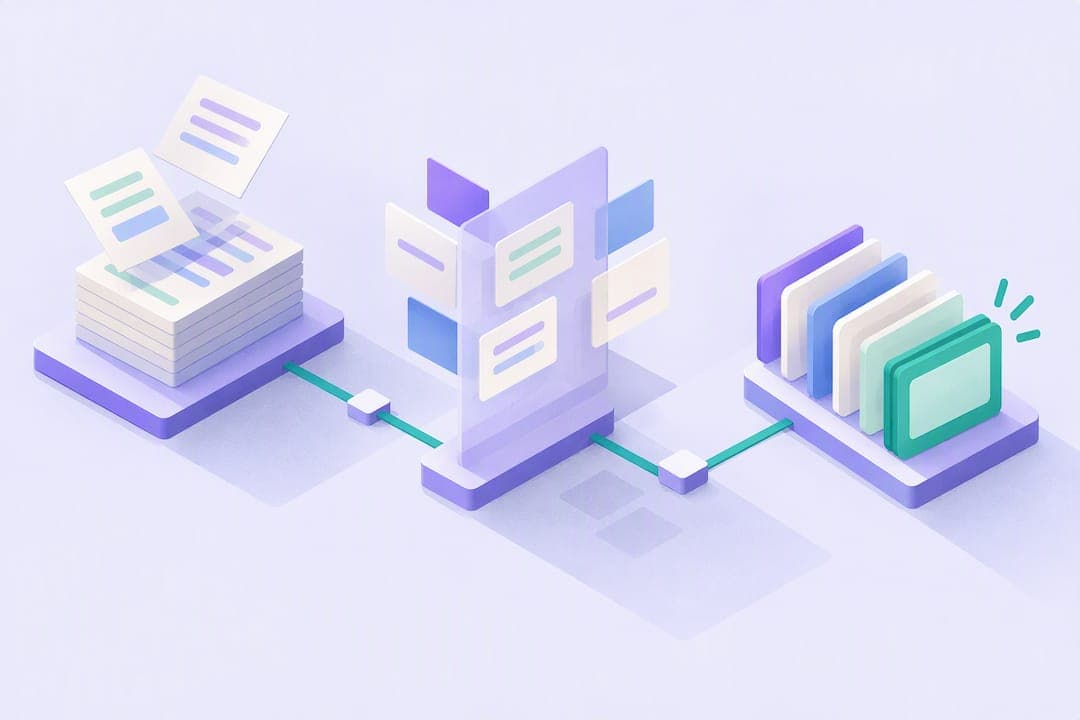
A 5-step workflow to turn notes into ready-to-study flashcards
Getting from raw notes to a working deck follows a predictable sequence. Skipping steps is what usually produces decks people abandon after a week.
- Prepare your notes: clean up highlights, cut filler, and mark the sentences that carry the actual facts you need to remember.
- Import the material: paste text directly, upload a PDF or slide deck, or photograph handwritten pages so the content is in a workable format.
- Auto-generate a first draft: use an AI tool to produce a batch of question and answer pairs, cloze deletions, and suggested card fronts and backs from the material.
- Edit quickly: apply the minimum-information principle, split any card that tests more than one fact, and check that each answer is actually correct.
- Export and start practicing: send the finished cards into a spaced repetition system, or use scheduling built into the tool you already used to generate them.
The step that gets skipped most often is step 4, and it is also the one that determines whether your deck is worth using. Recent research on AI-assisted spaced repetition design points out that generating cards at the point of reading, rather than days later from memory, cuts down on the friction that keeps people from finishing a deck and increases how often those cards end up being genuinely testable, a finding from AI-powered spaced repetition design research.
Pro Tip: Convert notes into cards the same day you take them, while the context is still fresh in your head.
How to write effective flashcards from your notes
Card design determines whether spaced repetition actually works or just feels like busywork. A few rules separate cards that build real recall from cards you will reread without learning anything.
- Put one fact per card: a card that tests two things forces you to guess which part you actually forgot.
- Phrase the front to force generative recall: "What is..." or "How does...work?" beats anything you can answer by pattern-matching the wording.
- Use cloze deletions for facts that depend on surrounding context, since blanking a key term inside a sentence often works better than rewriting it as a question.
- Use image occlusion for diagrams, anatomy, or anything spatial where the relationship between parts matters more than a definition.
- Avoid list cards and yes/no prompts: split compound facts into separate cards so each one has a single, checkable answer.
- Write cards in your own words whenever you can, since paraphrasing what you read strengthens the memory more than copying a sentence verbatim.
User-generated flashcards generally outperform premade ones on delayed tests, especially for definition and application questions, according to controlled experiments on flashcard generation. Even when AI drafts the cards, spending a few minutes rephrasing them in your own words recovers most of that benefit, so the editing step in the workflow above is not optional if you want the deck to actually work.
What AI gets right and what still needs your editing

AI tools are genuinely good at some parts of flashcard creation and unreliable at others, so knowing the difference saves you from either overtrusting or underusing them.
AI tends to do well at pulling out definitions, flagging key terms, and spotting sentences that make good cloze candidates. It tends to do worse at keeping answers atomic: outputs often fuse two facts into one answer, produce backs that run several sentences long, or occasionally state something that is not quite right.
A few prompt habits help:
- Ask for one fact per card explicitly, rather than a general "make flashcards from this" request.
- Request cloze format for definition-heavy passages instead of full question and answer pairs.
- Ask the tool to flag anything uncertain rather than presenting every answer with equal confidence.
Before you study, run each card past a short checklist: does the front have exactly one correct answer, is the back short enough to read in a few seconds, does any card need to be split, and does every fact hold up against your source material.
Pro Tip: Treat the AI draft as a first pass, not a finished deck. The five minutes you spend editing is where the real learning gain comes from.
Making spaced repetition actually work once your cards are ready
Cards only pay off if you review them the right way. Retrieval practice, which is the act of pulling an answer from memory instead of rereading it, combined with spacing reviews out over days and weeks, produces far better long-term retention than cramming or passive rereading, according to a review of spacing and retrieval research.
A workable schedule looks like this:
- Study in short daily sessions rather than long, irregular ones.
- Keep a steady volume of new cards so the review queue does not spike.
- Aim to build a growing pool of mature cards, meaning ones you consistently get right at longer intervals.
- When your review queue gets heavy, slow down new-card creation and focus on clearing the backlog instead.
Consistent, sustained use of spaced repetition over weeks or months is linked to stronger academic outcomes than sporadic use, per a systematic review of spaced repetition in undergraduate education. The review's more useful finding for day-to-day studying is that consistency and intensity of use matter more than which specific app or system you pick.
How AtListen puts this workflow into practice
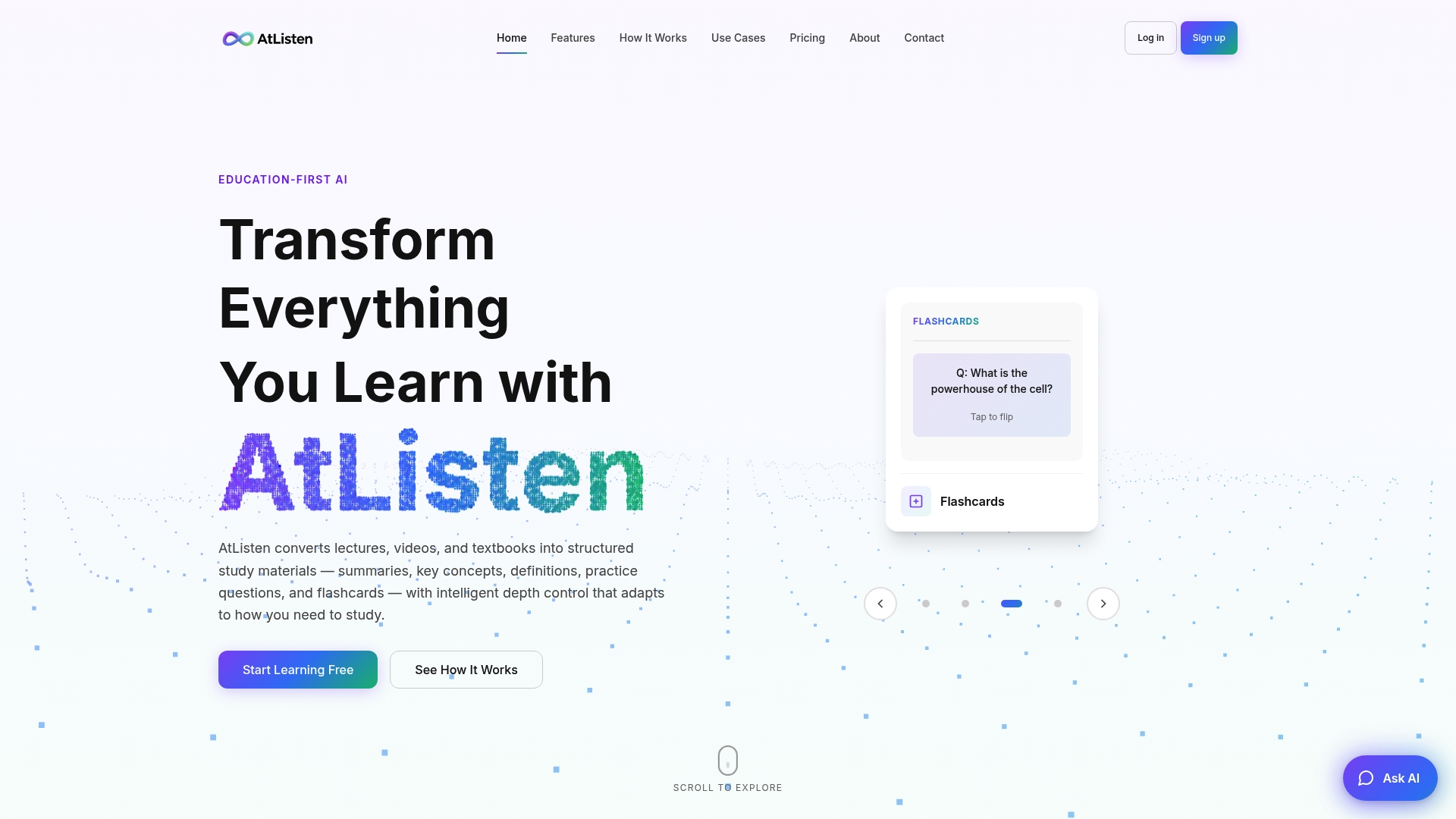
AtListen accepts lectures, videos, PDFs, textbooks, and plain notes, and turns them into summaries, key concepts with definitions, practice questions, and smart flashcards in one pass. That maps directly onto the workflow above: import happens through multiple formats, and generation happens automatically instead of card by card.
A few features line up with the steps that usually cause friction:
- Intelligent depth control lets you decide how detailed the generated cards and summaries should be, rather than accepting a fixed level of detail.
- Instant feedback on practice questions helps you catch weak spots before they turn into badly written cards.
- Multi-format input means a recorded lecture, a PDF textbook chapter, and a page of handwritten notes can all feed the same study package.
In practice, someone can upload a lecture recording and get an editable set of flashcards and a study plan back in minutes, leaving the manual work to the short editing pass the workflow calls for. Data-handling details for anyone uploading lecture recordings or personal notes are covered on AtListen's security page.
When to trust the AI draft and when to write cards yourself
AI drafting is the right tool for speed: it clears the bulk of routine definitions and terms in minutes. But for the handful of concepts that actually decide your grade, a few extra minutes rewriting the card in your own words is worth it.
A reasonable split for general coursework is around 70% AI draft, 30% manual rewrite, shifting more toward manual for core concepts. Card quality helps, but disciplined, consistent review is still what decides the outcome.
— William
Turn your notes into flashcards with AtListen
This workflow's drafting step can be handled by AI tools that upload various formats and produce structured summaries, key concepts, and smart flashcards with depth control features, reducing the editing pass time.
- Consider starting with a free plan to try the workflow on a real set of notes. For heavier course loads and additional features, higher-tier paid plans are available.
Check plans and get started on the AtListen pricing and signup page.
Key research and practical guides
The workflow above draws on recent research into AI-assisted card generation and decades of cognitive science on spacing and retrieval, alongside practical guides on card phrasing and cloze design. For deeper reading, see the AI-powered spaced repetition design paper, the spacing and retrieval review, and practical card-writing guidance at Warpread and Flashcards World.
Sources
- The science of effective learning with spacing and retrieval practice | Nature Reviews Psychology
- User-generated digital flashcards yield better learning than premade flashcards (research paper)
- A Systematic Review of Spaced Repetition, Retrieval Practice, and Academic Performance in Undergraduate Medical Students | Cureus
- Memdora: Designing Cognitively-Grounded Flashcard Interactions for AI-Powered Spaced Repetition
FAQ
How can I turn my notes into a study guide?
Group your notes by topic, cut anything that is not a testable fact, and convert the remaining points into short definitions or question and answer pairs. A study guide built this way doubles as raw material for flashcards, since each cleaned-up point becomes a card front.
Can ChatGPT make flashcards?
Yes, general-purpose AI chat tools can draft question and answer pairs or cloze deletions from pasted notes, but the output often fuses multiple facts into one answer or produces overly long backs. Plan to run a short edit pass, splitting compound cards and trimming answers, before studying with the deck.
Can Quizlet make flashcards from notes?
Quizlet and similar flashcard apps can generate card sets from pasted or uploaded notes using built-in AI features. As with any AI-generated deck, the cards benefit from a quick review to check that each one tests a single fact and phrases the front for genuine recall rather than recognition.
What app will make flashcards for free?
Several flashcard apps, including AtListen's Free plan, let you generate a starter deck from notes or documents at no cost, usually with limits on volume or depth of detail. Free tiers are a reasonable way to test whether AI-drafted cards fit your study habits before moving to a paid tier for heavier course loads.