
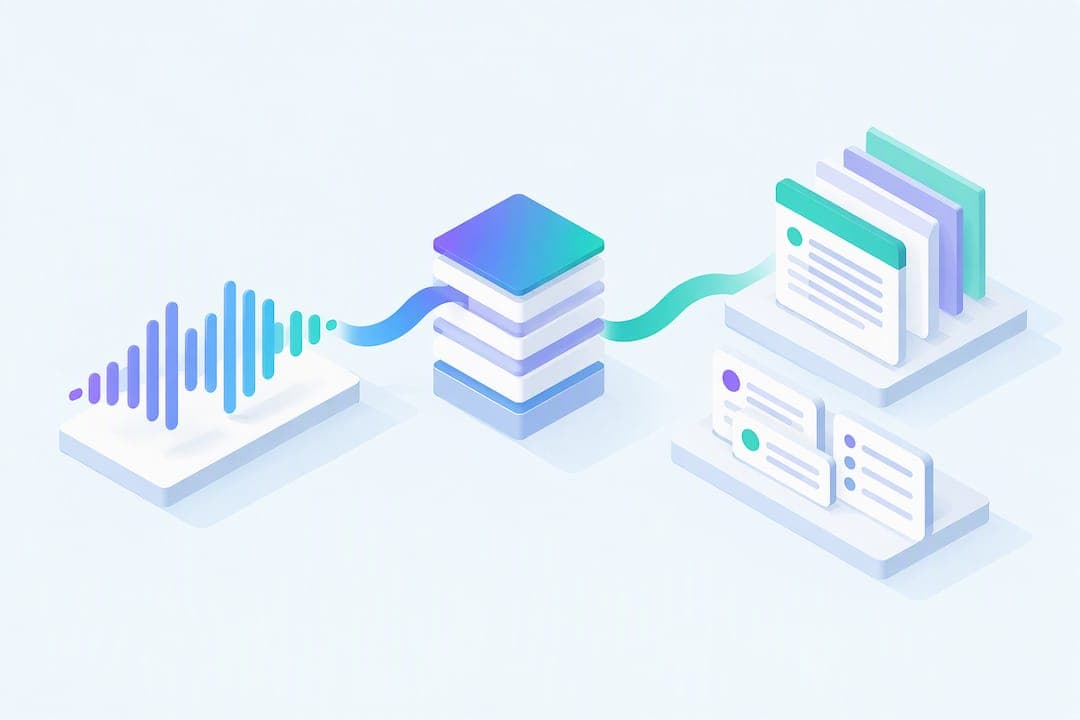
The fastest way to convert audio to notes is to run the recording through an AI audio-to-notes tool that transcribes the speech and then extracts a structured summary, then check that output against the original recording before you study from it. Upload a saved file or record live inside a tool built for this, and let the software handle the first draft. AtListen is one option built specifically for turning lectures into study packages, though the verification step matters no matter which tool you pick.
TL;DR:
- Transcription accuracy improves with customized vocabulary, speaker labels, and timestamps, especially for technical terms and course-specific jargon.
- Verifying and correcting names, numbers, and jargon after conversion is essential before reorganizing notes into a study-ready format.
- Privacy controls, data retention policies, and consent are critical factors; prefer tools with explicit deletion options and local processing for sensitive recordings.
- Using audio recordings within a short distance from the speaker and trimming dead air enhances transcription quality and reduces errors.
- Creating active recall questions and brief summaries from corrected transcripts supports better retention than merely reviewing verbatim texts.
Table of Contents
- How transcription tools turn speech into structured notes
- A checklist for recording, converting, and cleaning up notes
- What to look for when choosing a conversion tool
- What to check on privacy, consent, and data retention before uploading
- Turning a raw transcript into summaries, flashcards, and practice questions
- When to keep the full transcript and when to summarize instead
- Convert lectures into study packages with AtListen
- Where these recommendations come from
- Sources
- FAQ
How transcription tools turn speech into structured notes
Every audio-to-notes tool runs on the same basic pipeline. First, a speech-to-text engine converts the audio waveform into raw text, matching sound patterns to words. Then a summarization layer, usually a language model, reads that transcript and pulls out the main points, restructuring them into sections, bullet points, or key takeaways instead of a wall of text.

Better tools add speaker separation, so a transcript of a two-person conversation or a lecture with student questions labels who said what, along with timestamps that let you jump back to a specific moment. This turns a flat transcript into something searchable, useful for pulling a quote or checking exactly what a professor said about an exam date.
Errors cluster in predictable places. Proper names, numbers, and technical jargon trip up speech recognition because the model has no context for words it rarely encounters, and providers note that recording conditions, overlapping speakers, and specialized vocabulary account for most transcription mistakes. Most tools export to common formats: DOCX and TXT for plain notes, SRT for captions with timestamps, and CSV when you want structured data you can filter or sort.
A checklist for recording, converting, and cleaning up notes
Good notes start before you hit record. A phone held across the room picks up echo and rustling papers, so place the microphone as close to the speaker as practical and cut background noise where you can, like closing a window near traffic.
During the recording:
- Ask speakers to pause briefly between distinct points so the transcript has natural breaks.
- Get spoken or written consent before recording a lecture, meeting, or interview when your school or workplace requires it.
File prep matters almost as much as the recording itself. Most tools accept MP3, WAV, and M4A files, and trimming dead air from the start and end, along with normalizing volume levels, gives the transcription engine a cleaner signal to work with.
When you convert, decide upfront what you actually need: a full transcript for research, a summary for review, or flashcards for memorization. Turning on speaker labels and timestamps costs nothing and saves time later if you need to verify a specific claim.
After conversion, don't skip this step. Read through the output, correct names and numbers the tool likely missed, and reorganize loose points into an outline or Cornell-style format before treating it as a finished study document.
Quick-start checklist:
- Record close to the speaker with background noise minimized.
- Save the file in MP3, WAV, or M4A and trim dead air.
- Upload and choose transcript, summary, or flashcard output.
- Verify names, numbers, and jargon against the audio.
- Reorganize into an outline and build practice questions.
Pro Tip: Keep the original audio file even after conversion. It's the fastest way to settle a disputed detail without re-recording anything.
What to look for when choosing a conversion tool
Not every tool solves the same problem, so match features to what you actually need from the output.
- Accuracy with specialized vocabulary: tools with custom dictionaries or adjustable speaker models handle technical terms, course-specific jargon, and unusual names better than generic transcription.
- Searchability and editing: timestamps, speaker diarization, and an editable transcript matter more than raw transcription speed once you're actually studying from the notes.
- Summarization quality and integrations: searchable records, recaps, key points, and to-do lists rank above plain transcripts for most users, and export options to Google Drive, OneDrive, or a learning management system save a step.
- Privacy controls: look for clear retention policies and, ideally, a stated commitment on whether your recordings train the underlying models.
- Pricing and free tiers: a free tier lets you test accuracy on your own voice and subject matter before committing, and a human-review option matters for anything legally or academically sensitive.
What to check on privacy, consent, and data retention before uploading
Recording someone else's voice carries real responsibility, separate from how good the transcript turns out. Get permission from participants when your school, employer, or local rules require it, and keep a record of that consent for anything sensitive, like a private meeting or an interview.
Vendor policies vary on what happens to your audio after upload. Provider documentation distinguishes between encryption and transport security versus retention and training-use policies, and a secure connection during upload doesn't tell you whether the transcript is stored or used to improve the provider's models. For sensitive material, prefer a tool with explicit deletion controls or enterprise-grade privacy settings, and consider local processing when the content can't leave your device.
Three quick checks before you upload anything sensitive: read the retention policy for how long transcripts are stored, confirm whether your data trains the underlying model, and check whether the tool offers a delete-on-demand option. AtListen outlines its own data controls on its security page.

Turning a raw transcript into summaries, flashcards, and practice questions
A transcript is a starting point, not a study tool. The real work happens when you edit it for accuracy, add timestamps or speaker labels where they help you navigate, and then compress the corrected text into something you'll actually review before an exam.
Start by pulling the two or three ideas each section actually argues, then rewrite those as a short summary in your own words. From there, turn key claims into practice questions, and convert vocabulary or dates into flashcards built for spaced repetition rather than a single read-through.
- Correct names, numbers, and jargon against the original audio before treating any summary as final.
- Convert key ideas into short-form summaries first, then into question-and-answer pairs for active recall.
- Use flashcards for discrete facts, dates, and definitions rather than broad concepts.
This is close to how AtListen structures its own pipeline, generating summaries, key concepts, practice questions, and spaced-repetition flashcards from an uploaded recording, with depth control to choose a short overview or a more detailed breakdown depending on how much time you have before a test.
Pro Tip: Test yourself on the converted notes without looking, then check against the transcript. Recognizing a fact is easier than recalling it, and recall is what the exam actually asks for.
When to keep the full transcript and when to summarize instead
Verbatim transcripts earn their keep when you need exact quotes, legal language, or a professor's precise wording on an assignment. For most lecture review, though, a summary teaches you more than a wall of text you'll skim once and forget. The habit that actually moves the needle is reviewing converted notes actively, not just capturing them and moving on.
— William
Convert lectures into study packages with AtListen
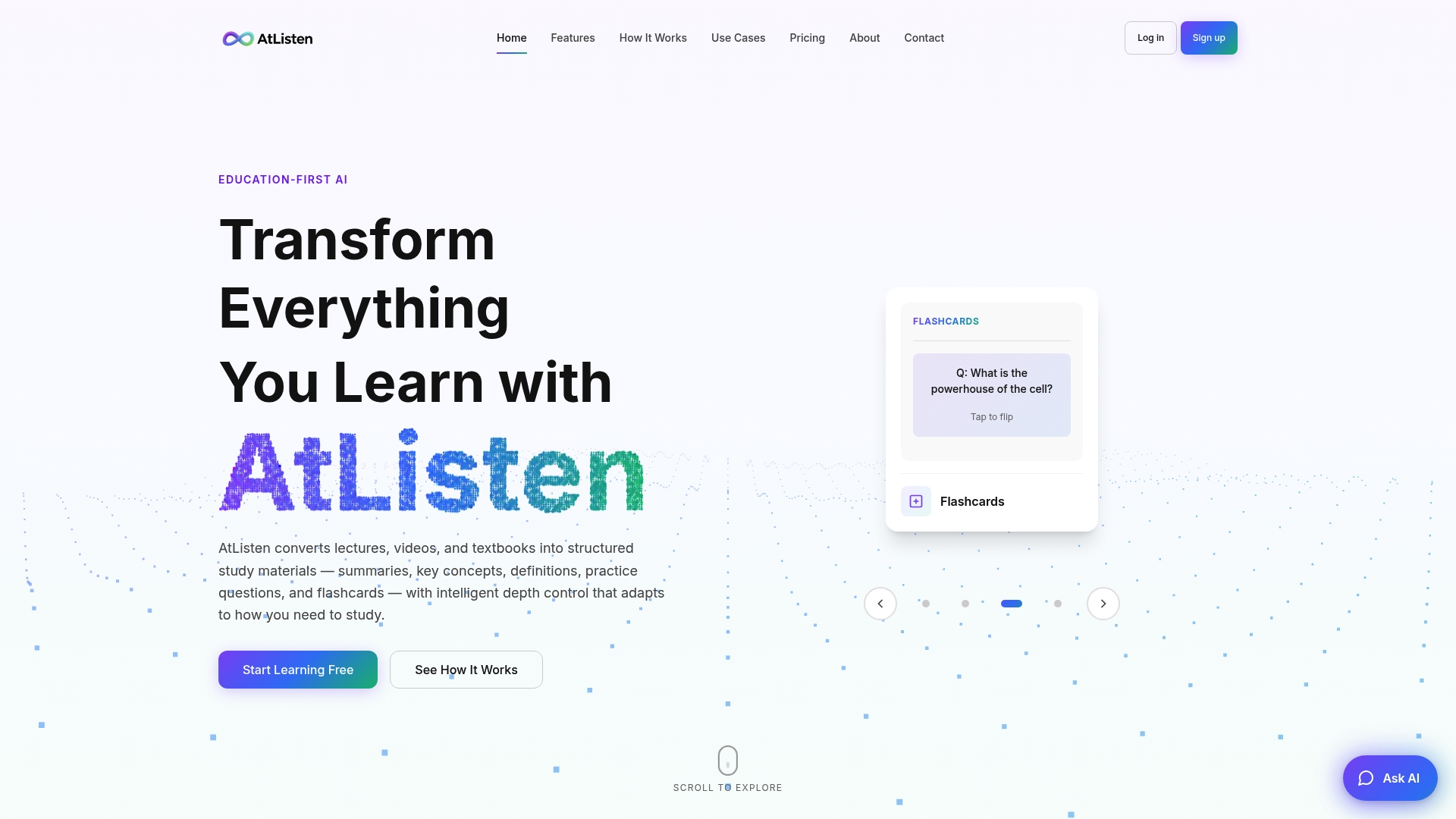
AtListen takes the same audio-to-notes pipeline described above and builds it around studying specifically, turning a recorded lecture into a summary, key concepts with definitions, practice questions, and flashcards in one pass.
- Upload a lecture, video, or recording, or paste a YouTube link.
- Generate a full study package: summary, key concepts, practice questions, and flashcards.
- Adjust depth control for a quick review or a detailed breakdown.
- Start on the free plan before upgrading to a paid plan.
Check the plans page to start with the free tier.
Where these recommendations come from
Recommendations here draw on note-taking comprehension research, G2's feature analysis of voice tools, and provider documentation on transcription accuracy and data privacy.
Sources
- Laptop versus longhand note taking: effects on lecture notes and achievement
- speech-to-text data privacy & security - Azure docs (GitHub mirror)
- Best voice recognition software — G2
FAQ
Can ChatGPT turn audio into notes?
ChatGPT can summarize a transcript you paste in, but it doesn't transcribe audio directly on its own. You'd need a separate transcription step first, which is why dedicated audio-to-notes tools that combine both steps in one upload save time.
Is there a free way to convert audio to notes?
Yes, several tools offer free tiers with limited usage, including AtListen's free plan, which lets you test transcription and summary quality before upgrading. Free tiers typically cap file length or monthly usage compared to paid plans.
How do I put an audio file into notes?
Upload the audio file directly into a conversion tool, or record live inside an app that supports it, and the tool generates a transcript and structured notes automatically. From there, edit the output and reorganize it into your preferred study format, like an outline or flashcards.
Can AtListen convert audio to text?
Yes, AtListen accepts uploaded audio recordings and converts them into a transcript alongside structured study materials like summaries and key concepts. The platform also supports flashcard and practice question generation from the same upload.