
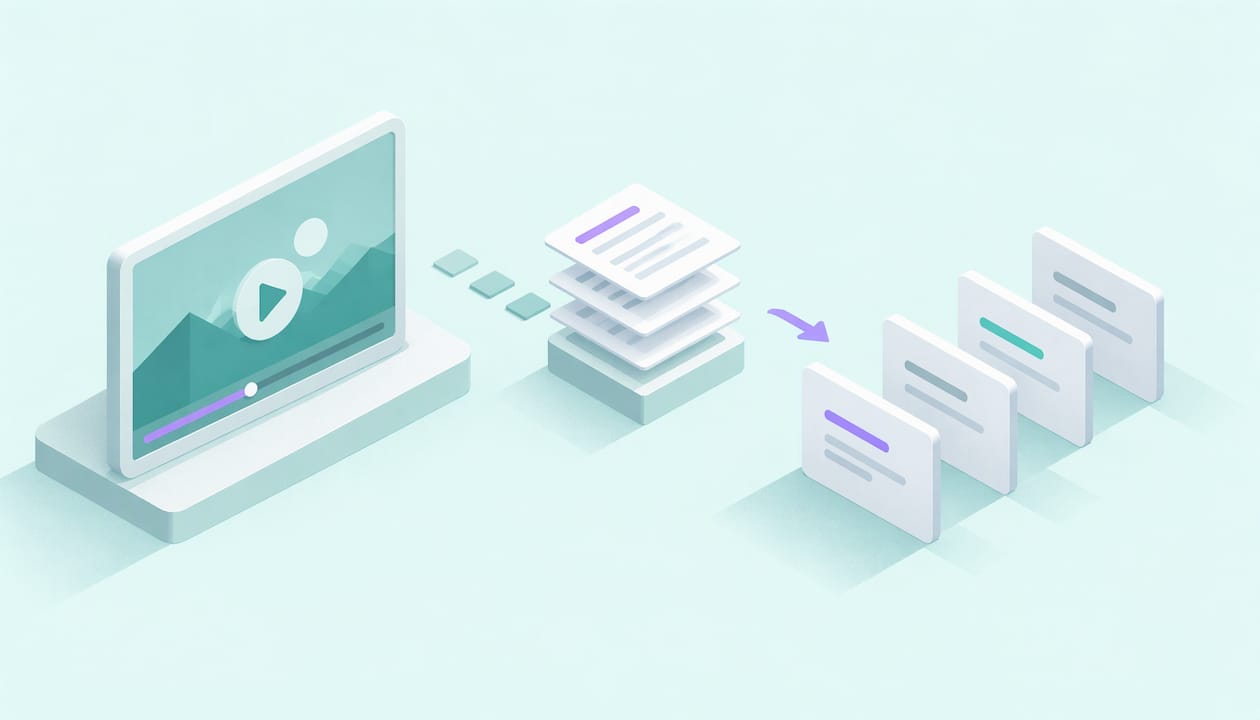
You can turn a video into flashcards in minutes: get the spoken words as text, pull out the key concepts, write one question per card, check every answer against the source, then review the cards on a spaced schedule. AtListen does the first three steps for you. You upload a lecture, recording or YouTube link, and it returns key concepts, definitions, practice questions and flashcards built for spaced repetition. The last two steps, checking and reviewing, are where your learning happens.
TL;DR
- Start from a transcript, not from memory of the video. Machine transcripts contain errors, so skim them before you trust them.
- Make one idea per card, phrased as a question you can answer from memory, with at least a few application questions mixed in.
- Check every AI-generated answer against the video. Plausible but wrong answers are the main risk.
- Wait a day or two before your first self-test, then space your reviews further apart.
- AtListen turns a video, audio file or PDF into summaries, flashcards and quiz questions in minutes, and you can start on the free plan.
Table of Contents
- Why video is hard to study from, and why flashcards fix it
- Step 1: Get a usable transcript
- Step 2: Pull out key concepts before you write any cards
- Step 3: Write atomic cards
- Step 4: Check every answer
- Step 5: Turn the same video into quiz questions
- Step 6: Review on a spaced schedule
- Match the method to your situation
- Start with your next video
- FAQ
- Sources
Why video is hard to study from, and why flashcards fix it
A 50-minute lecture feels clear while it plays. Two days later you remember the examples and not the definitions. Watching is passive, and passive input fades fast.
Flashcards force the opposite: you pull the answer out of your head instead of recognizing it on screen. UNC's Learning Center notes that making flashcards can itself be a review, but you also need to test yourself by hiding the answer and checking only after you try to recall it. So the goal is not a pretty deck. It is a deck you can quiz yourself with.
The bottleneck is the conversion. Pausing, typing and rewinding a one-hour video can take longer than the video itself. That is the part worth automating.
Step 1: Get a usable transcript
Everything downstream depends on the text. Every flashcard tool, AI or manual, starts from words, so the quality of the source decides the quality of the cards.
For a YouTube video, the automatic transcript is the usual starting point. YouTube states that transcripts work best with videos under an hour, good sound quality and clear speech. It also says automatic captions are machine-generated and can differ from what was said because of accents, dialects and background noise, and may be unavailable for long videos or unclear audio.
What this means for you:
- Long lectures: split a two-hour recording into segments by topic or chapter, then make a set per segment.
- Technical terms: names, formulas and jargon are where transcripts fail most. Scan for them first.
- Foreign-language videos: check the vocabulary words especially, since a misheard word becomes a wrong card.
With AtListen you skip the copy-and-paste. It accepts lectures, videos, audio recordings, PDFs, textbooks, notes, web articles and YouTube URLs, so a recording from class and a link from your professor go into the same place.
Step 2: Pull out key concepts before you write any cards
Don't turn every sentence into a card. A video contains explanation, repetition and tangents. Cards should capture the skeleton.
UNC suggests listing the key concepts and defining as many as you can from memory before filling in details and examples. Try it on the video: after watching, write down the five to ten concepts you think it covered. Then compare with the transcript. The gaps are your priority cards.

Cornell's teaching center recommends a similar habit, the minute paper: write two or three key points, and note what you still don't understand. Those confusing points deserve their own cards.
AtListen generates key concepts with definitions and key facts from your material, with adjustable depth, so a high school review can stay at headline level while a college course can go into detail. Use that list as your outline, then compare it with your own.
Step 3: Write atomic cards
A good card tests one idea. A bad card hides three facts behind one prompt, so you can be half right and not know it.
| Weak card | Better cards |
|---|---|
| Front: Explain photosynthesis. Back: a paragraph | Q: Where in the cell does photosynthesis happen? A: Chloroplasts. Q: What are the two main inputs? A: Light energy and CO2 plus water. |
| Front: Mitosis | Q: What are the four phases of mitosis, in order? |
| Front: ser (Spanish) | Q: Which verb means "to be" for identity: ser or estar? Use it in a sentence. |
Two more rules:
- Ask questions, don't label. "What does X cause?" beats a bare term, because it practices retrieval.
- Mix in application. UNC recommends including higher-level questions that test application, not only recall. Cornell's guidance on discussion suggests comparison questions, real-life examples and case studies to test whether you can use an idea beyond the lecturer's exact wording.
For a deeper walkthrough of card design, see our guide to effective flashcards for students and the 10 atomic flashcards in 5 minutes routine.
Step 4: Check every answer
This is the step people skip, and it matters most when AI wrote the cards. UNC's guidance on generative AI says it can help produce quizzes, practice exams, study guides and flashcards, but it also warns that AI can produce plausible but inaccurate responses, so students should check the output and treat it as study material to evaluate.
A fast review pass:
- Open the transcript next to the deck.
- For each card, find the sentence in the video that supports the answer.
- Fix any card where the transcript itself was wrong, especially names, numbers and terms.
- Delete cards that are trivia, such as the speaker's joke or a sponsor message.
- Split any card that asks for two things.
This takes five to ten minutes per set, and it is also your first exposure to the material, which helps retention. Cornell's metacognitive guidance describes the same loop: preview, develop questions, paraphrase, check whether the questions were answered, and test yourself.
Step 5: Turn the same video into quiz questions
If you searched for a video quiz generator, the logic is the same as for flashcards: questions come from the transcript, and you decide whether they are correct and hard enough.
Flashcards suit definitions, facts and vocabulary. Practice questions suit anything where you must reason: a math step, a case, a process. AtListen produces practice questions with explanations, so when you miss one you see why.
Try the question before you look at the explanation. UNC says attempting a problem before seeing the solution can improve learning, even when you make mistakes, and recommends about 10 to 15 minutes of struggle before consulting resources, then recording what you missed and why. That record becomes a new card.
Step 6: Review on a spaced schedule
A deck you never review is a to-do list. The review schedule is what moves facts into long-term memory.
UNC makes three points worth following:
- Spread study across days or weeks instead of cramming. Its example is 15 to 20 minutes of active daily study.
- Wait hours, or a day or two, before self-testing, because delayed recall shows what has actually stuck.
- Increase the gaps between reviews over several days.
A simple pattern: watch and make cards on day one, first test on day two or three, then again after a few days, then weekly until the exam. Put those sessions on your calendar; a weekly review routine for students shows how to fit short sessions around a heavy course load.
AtListen's flashcards are optimized for spaced repetition and it can build personalized study plans, so the schedule comes with the deck. Our walkthrough of spaced repetition flashcards with AI covers a 10 to 15 card, 5 to 15 minute session.
Match the method to your situation
- College students with dense lectures: record or link each lecture, generate a set per class, and review weekly. See lectures to flashcards.
- High schoolers with limited time: use shallower depth, keep sets to ten or so cards and test in short bursts. The active recall methods guide has 5 to 10 minute sessions.
- Language learners: feed in a video in the target language and build vocabulary cards with example sentences. Check the transcript for misheard words first. Templates are in our language learning flashcards guide.
- Professionals preparing for certifications: convert training recordings and PDFs into one deck, and favor application questions.
For the YouTube-specific route, read YouTube to flashcards in five steps. If your source also includes slides or diagrams, flashcards from images covers that.
Our view
We built AtListen because the hard part of studying from video is not watching it. It is turning an hour of talk into something you can be tested on. Most students either never make the cards or make so many that they stop reviewing.
Our approach is to structure any material into active formats: summaries, key concepts, practice questions and flashcards, with depth control so the output fits the exam in front of you. Because you can upload lectures, audio, PDFs, textbooks and YouTube links, the whole course ends up in one place, and a study package arrives in minutes instead of an evening.
The checking and the recall are still yours, and that is the point. We take over the organizing so your time goes to retrieving answers.
William
Start with your next video
AtListen has a Free plan at $0 per month, Pro at $19.99 per month and Max at $39.99 per month, with higher tiers enabling enhanced features and greater usage limits. Paste a YouTube link or upload a recording, and you get flashcards, key concepts and practice questions to review.
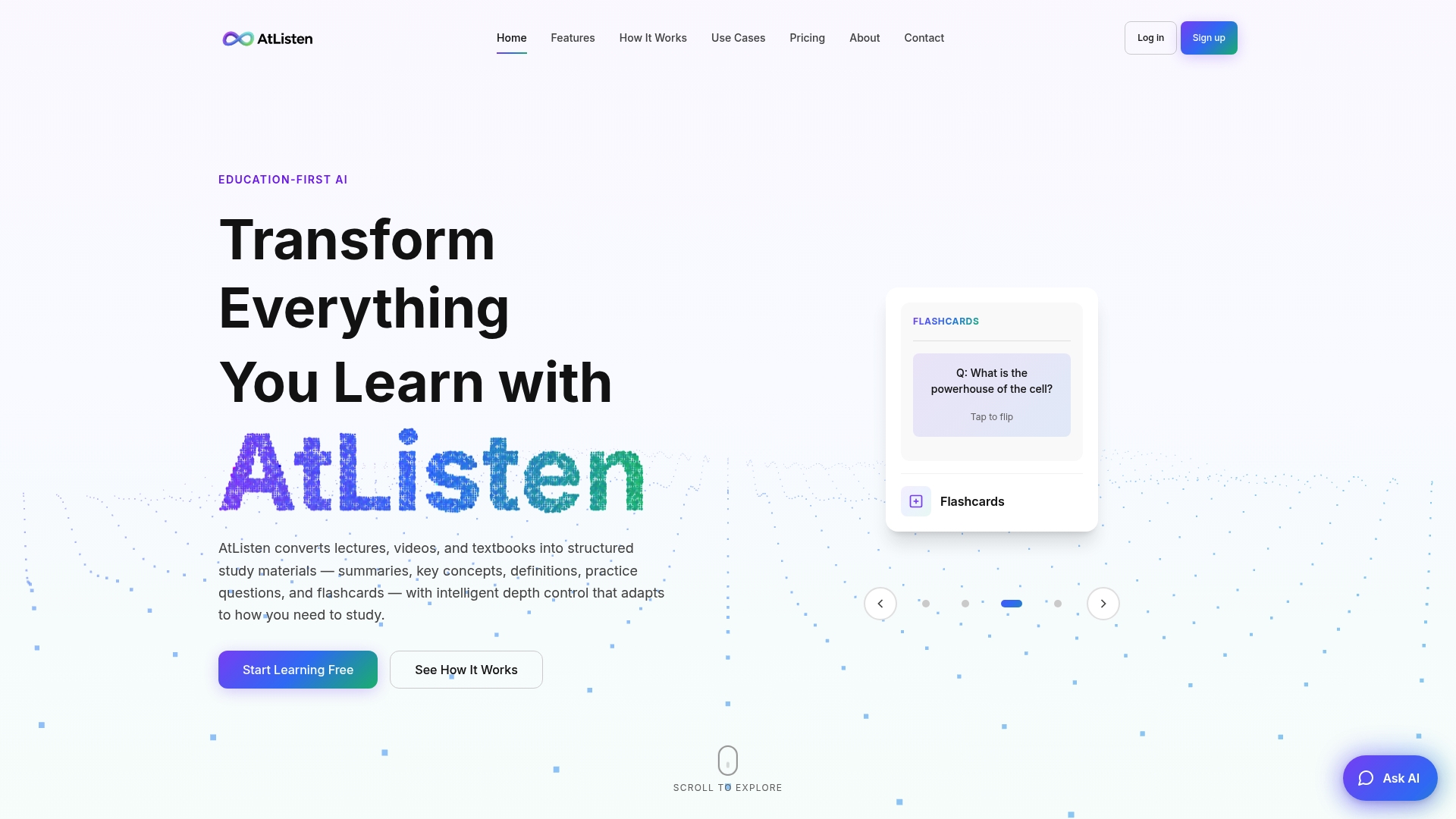
Begin on the free plan at AtListen with one lecture you need to learn this week.
FAQ
Can I make flashcards from any YouTube video?
Mostly, yes, if the video has clear speech and a transcript. YouTube notes that automatic transcripts may be unavailable when sound is poor, speech is unclear, several languages are spoken or the video is too long. For long lectures, work in segments.
Are AI-generated flashcards accurate?
They are a strong draft, not a final answer. UNC advises checking AI output for accuracy because it can sound right and be wrong. Compare each answer with the video and fix transcript errors before you start reviewing.
How many flashcards should I make per video?
Aim for the key concepts, not every sentence. A 10 to 15 card set per topic is a manageable session, and you can add cards for anything you missed in practice questions.
Can I generate quiz questions from a video too?
Yes. The same transcript can produce practice questions with explanations. Attempt each question before reading the explanation, then turn what you missed into a card.
Sources
- Strategic Test Prep, UNC Learning Center
- Math and Physics Learning Strategies, UNC Learning Center
- Memorization Strategies, UNC Learning Center
- Generative AI for Academic Study, UNC Learning Center
- Getting Started with Active Learning Techniques, Cornell
- Metacognitive Strategies, Cornell
- Facilitating Discussions, Cornell
- Tips for creating a transcript file, YouTube Help
- Automatic transcripts, YouTube Help