
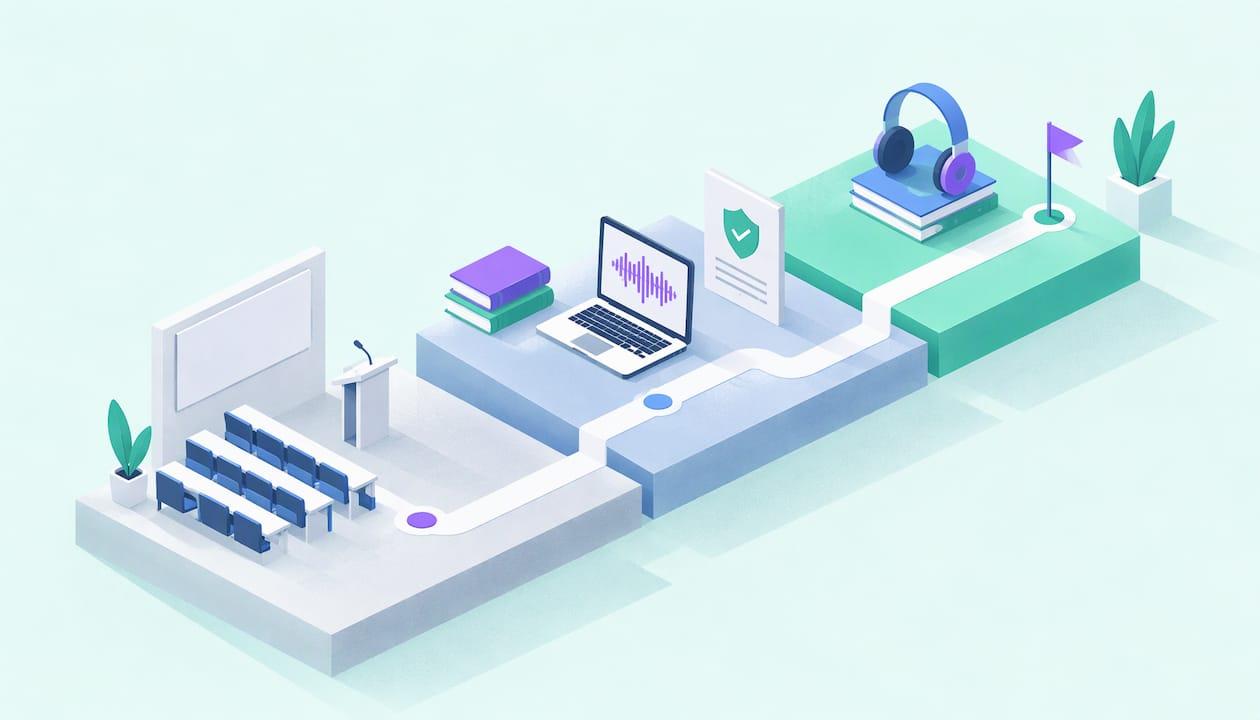
You can legally record a lecture in the U.S. when your school's policy and your professor allow it, or when a disability accommodation or a state law gives you the right. Federal law is rarely the obstacle. The obstacle is the classroom rule that sits on top of it. Get permission in writing, record for your own study, and keep the file out of public places. Then turn the audio into notes and flashcards you can use. That is the part AtListen does for you.
TL;DR
- Three layers decide whether a recording is legal: school policy, state recording-consent law and copyright. The strictest one controls what you can do.
- Most colleges require advance permission, often written, from the instructor. Students with a documented disability can usually request recording as an accommodation.
- Recordings are almost always limited to personal study. Posting them, sharing them outside the class or uploading them to AI tools can need extra written consent.
- Ask first, get the answer in writing, and keep the recording only as long as the policy allows.
- Once you have permission, you can convert the audio into summaries, key concepts and flashcards, so the recording becomes something you actually study.
Table of Contents
- The three layers: policy, state law and copyright
- What colleges actually require
- Recording as a disability accommodation
- How to get permission without making it awkward
- Questions, discussion and other students' voices
- A responsible recording routine
- From recording to study material
- Turn permitted recordings into a study package
- FAQ
- Sources
The three layers: policy, state law and copyright
Students usually ask one question: "Is it legal?" The honest answer has three parts, and you need to clear all of them.
1. Federal and state recording law. Federal wiretap law lets a person record a conversation they are part of, unless the recording is made to commit a crime or a tort. That is the one-party consent rule in 18 U.S.C. § 2511. A student sitting in a lecture hall is present, so on this layer alone recording is generally lawful. Most states follow the one-party model. Maryland is among the minority of all-party states, where everyone in the conversation must agree. That is why you should check your own state's statute and not assume.
2. School policy. This is the layer that matters most in practice. A university can bar recording as a condition of enrollment, even where state law would allow it. A violation is a conduct problem, so it can lead to discipline and not just a legal dispute.
3. Copyright. The lecture is the professor's creative work. UTRGV's guidance explains that the faculty member owns the copyright in the underlying lecture, while the university owns the recording when it is made with university-licensed software. Your personal-study copy is one thing. Publishing or selling it is another.
If you remember one thing, make it this: being legal under state law does not make a recording allowed in your class.

What colleges actually require
Policies differ, but the pattern is consistent: ask before you press record. These examples show the range.
| School | What the policy says |
|---|---|
| Yale | Advance written permission from the instructor, or from Student Accessibility Services for a disability accommodation. Recording must be overt, and sharing beyond class members needs written consent from everyone recorded. |
| Illinois State | Explicit advance written consent from the instructor plus written agreement from other students who may be captured. Accommodation recordings must be destroyed at the end of the term. |
| SMU | Express prior written permission or an approved accommodation. Personal use only, including AI-generated transcripts, and no storage beyond the term. |
| Syracuse | Advance instructor permission, including for AI transcription apps, and written confirmation that recordings and transcripts will not be shared. |
The words "including AI" matter. Several schools now name transcription and AI tools in their recording rules, so read the policy for your own school before you upload anything.
A state that goes the other way
Some states protect recording by students. Under University of Florida policy, which implements Florida's HB 233 (Section 1004.097 of the Florida Statutes), students may record a lecture without permission or notice for personal educational use, for a complaint to the university or as evidence in a legal proceeding. A faculty member cannot prevent it. Tallahassee State College applies the same law but bars publishing a recording without the instructor's written consent.
So even where recording for study is protected, sharing is not.
Recording as a disability accommodation
If a disability makes note-taking hard, recording may be your strongest route. Under Section 504 and the ADA, audio recording of lectures is treated as a legitimate auxiliary aid. The University of Tampa's policy says so directly and notes that these recordings are for personal study only.
The process usually looks like this:
- Contact your campus disability or accessibility office and provide documentation.
- Ask for recording as an approved accommodation. The office, not you, notifies your instructors.
- Learn the conditions. At CU Boulder, the recording is for personal study only, commercial use is prohibited, and you must stop recording during sensitive personal discussions or when the instructor asks. Files must be destroyed promptly at the end of the semester. They also cannot be shared or uploaded to AI technologies without the lecturer's prior written consent.
That last condition is worth reading twice if you plan to use any study tool. An accommodation covers the recording. It does not always cover what you do with the file afterward.
How to get permission without making it awkward
Most professors say yes to a polite, specific request, especially when you explain that you want to review difficult material. A short email works:
Hi Professor [Name], I would like to audio-record your [course] lectures for my own study only. I will not share or post the recordings, and I will delete them at the end of the term. I would also like to run the audio through a study tool to make notes and flashcards for myself. Is that acceptable? A reply by email would be great so I have it on file.
Three details make this request easy to approve:
- Say it is for personal use. Nearly every policy centers on this.
- Mention the tool if you plan to use one. Policies at schools like SMU and Syracuse address AI transcripts explicitly, so name it up front and get a clear yes.
- Keep the reply. A written answer is what Yale, Illinois State and others ask for in the first place.
If the instructor says no, ask whether slides, an official recording or a recording from the course platform is available. If you have a disability, go to your accessibility office. A professor's personal preference does not override an approved accommodation. According to a legal explainer on lecture recording, the U.S. Department of Education has said an instructor cannot forbid a recording device if the ban limits a student's participation.
Questions, discussion and other students' voices
A lecture is not only the professor. When classmates ask questions or present, their voices are in the file. Here the privacy rules come in.
Charlotte's FERPA FAQs explain that a recording of only the instructor, or of voices that cannot be identified, is not a student education record. The parts that capture identifiable student questions, presentations or discussion are protected under FERPA, the federal student-privacy law. UTRGV adds that FERPA lets a recording be shared with students in the same class section without individual consent, but sharing outside the section requires written consent from each identifiable student, or de-identification.
The practical rule: keep recordings of a class inside that class. If you want to understand how schools think about protecting identifiable students in media, this overview of FERPA opt-outs for student photos shows how the same idea works with images.
If you are recording an online class, Ohio State's guidelines give a good standard. Recorded people get notice, such as a syllabus line or a pop-up. They can turn off their camera or audio, or leave. Written consent from every participant and instructor approval are needed to share outside the class roster.

A responsible recording routine
Once you have permission, follow these steps every time.
- Confirm the permission is on file. Save the email or the accommodation letter.
- Record openly. Place the device where the instructor can see it. Yale's policy bars surreptitious recording and requires devices to be used overtly.
- Stop when asked. Instructors can ask you to pause during personal or sensitive discussion.
- Store it privately. Keep the file in your own account or device, not a shared drive or social platform.
- Use it for study only. No posting, selling or passing it to students outside the class.
- Delete it when the term ends if your policy or accommodation says so.
Notice what this routine produces: a long, raw audio file. An hour of lecture is an hour of listening if you leave it as it is. The value comes from turning it into material you can test yourself on.
From recording to study material
A recording you never revisit does nothing for your grade. Students who use recordings well pull out the key ideas, then practice recalling them. Our guide on turning lecture audio into study-ready notes walks through the audio-to-notes step. If your professor posts lecture videos, the video-to-notes workflow does the same for those. For memorization, lectures to flashcards shows how to move from notes to active recall. If your lecture slides are your main source, there is also a method to convert PowerPoint into study notes.
This matters even more for the readers who are short on time. A high schooler with a few weeks before an exam, a professional preparing for a certification after work, or a language learner collecting vocabulary from class audio all need the same thing: less listening, more practice. Do check that your permission covers the tool. Where a policy says no uploads to AI, ask the instructor for written consent first.
What we think
We built AtListen around one observation: the problem for most students is not getting the lecture, it is doing something useful with it. A recording is passive. Reading the same pages again is passive. Studying works better when you are asked to recall, explain and check yourself.
That is why we focus on turning material into structured formats: summaries, key concepts with definitions, practice questions with explanations and flashcards built for spaced repetition. You choose how deep the material goes, and you get feedback right away.
The legal side is not a hurdle to get around. It is a reason to ask your instructor first, and once the answer is yes, to spend your time on the studying, not on transcribing. Permission and a good workflow fit together.
William
Turn permitted recordings into a study package
Once your professor or accessibility office has said yes, AtListen takes what you upload (lecture audio, video, PDFs, notes, web articles or YouTube links) and builds a study package from it: summaries, key concepts with definitions, practice questions and flashcards, with depth control and instant feedback. Plans are Free at $0 per month, Pro at $19.99 per month and Max at $39.99 per month, with higher tiers offering greater usage limits.
You can start with the free plan at AtListen and see how a recorded lecture becomes something you can practice with. For the habits that make it stick, read our six-step guide to studying with AI.
FAQ
Is it legal to record lectures in the U.S.?
Often yes, but not automatically. Federal law allows you to record a conversation you take part in, yet most schools require the instructor's advance permission, and some states or accommodations give you specific rights. Check your school's policy and get a written answer before you record.
Can a professor refuse to let me record?
In most cases, yes. A professor can say no under school policy unless a state law such as Florida's HB 233 or an approved disability accommodation applies. If you have a documented disability, go to your accessibility office, which handles the request with your instructors.
Can I share a lecture recording with classmates or post it online?
Plan on no unless you have written consent. Policies at Yale, SMU and Syracuse limit sharing beyond the class, and posting on social media or public platforms is prohibited at Syracuse. The professor owns the lecture's copyright, and identifiable students are protected by FERPA.
Can I use an AI study tool on a recorded lecture?
Only if your permission covers it. Some schools name AI transcripts and uploads in their rules, and CU Boulder's accommodation parameters require the lecturer's prior written consent for AI uploads. Mention the tool when you ask for permission.
Is there a difference for online classes?
The same layers apply, and notice matters more. Ohio State's guidelines call for telling participants that recording is happening and letting them turn off their camera or audio. Written consent is needed to share outside the class roster.
Sources
- 18 U.S. Code § 2511, Cornell Legal Information Institute
- MD House lawmakers ponder changes to recording consent laws, The Daily Record
- Recording of Classes: Considerations and Guidance, UTRGV
- 9001 Recording Policy, Yale
- 4.1.22 Recording in Instructional Settings, Illinois State University
- Audio/Video Recording in Academic Settings, SMU
- Classroom Recording Policy, Syracuse University
- In-Class Recording, University of Florida
- Class Recordings (HB 233), Tallahassee State College
- Note Taker Accommodation Process and Policy, University of Tampa
- Student Parameters for Recording Class Lectures, CU Boulder
- Can You Record Lectures in College? Consent and Copyright, Legal Clarity
- Classroom Recordings & FERPA: FAQs, UNC Charlotte Office of Legal Affairs
- Guidelines for Video and Audio Sharing Tools, Ohio State University
- Centralize Opt Outs to Keep FERPA Yearbook Photos Compliant