

To identify key concepts, isolate the question's nouns and treat them as separate search concepts. Take "How does social media use affect teenage anxiety?" and you get two workable concepts: social media and teenage anxiety. From there, build a concept table or run each concept through a database search on its own rather than typing the whole sentence in.
TL;DR:
- Strip research questions to two to four searchable concepts by keeping nouns and dropping verbs, qualifiers, and question words that describe relationships.
- Build a concept table for each concept, adding synonyms and database controlled vocabulary such as MeSH or Emtree from a relevant key article.
- Combine concepts with AND and synonyms with OR, then use quotation marks or truncation only after checking that database’s search syntax.
- When unsure, begin with fewer concepts; test the query against a known key article, and record the database, exact string, and search date.
Table of Contents
- 1. Pick the main concepts from your research question
- 2. Create a concept table: template and worked example
- 3. Turn your concept list into a database query
- 4. Extract concepts from texts with active reading and mapping
- 5. Rank your concepts before you search
- 6. A workflow you can copy for your next search
- Why structured concept extraction matters for study and research
- Turn extracted concepts into study-ready material with AtListen
- FAQ
- Sources
1. Pick the main concepts from your research question
Academic databases struggle with full sentences, so the first job is stripping a question down to its working parts. A research question usually hides two to four real concepts inside connecting words, and finding them is a matter of looking for the nouns: people, places, things, time periods, and ideas. Verbs, qualifiers, and question words rarely carry search value on their own.
Words like "affect," "impact," "how," "why," and "relationship between" describe a connection rather than something searchable, so they get dropped once you have identified the nouns they connect.
Two quick conversions show the pattern:
- "What is the impact of remote work on employee productivity?" becomes remote work and employee productivity.
- "How do urban green spaces influence mental health in older adults?" becomes urban green spaces, mental health, and older adults.
Each resulting concept becomes its own search term, tested and combined separately rather than pasted into a search box as one long phrase.
2. Create a concept table: template and worked example
Once you have isolated the nouns, give each one room to grow. A concept table is the standard way librarians organize this: one column per concept, with rows underneath for synonyms, acronyms, and the controlled vocabulary terms a database actually indexes.
Controlled vocabulary differs from a plain keyword because it is the fixed term a database assigns to a topic, such as MeSH in PubMed or Emtree in Embase, regardless of what word the original author used. Pulling those headings from a known key article, using a tool such as the Yale MeSH Analyzer or MeSH on Demand, often surfaces terms you would never have guessed on your own.
A worked example for "remote work and employee productivity":
| Concept | Synonyms | Controlled vocabulary | Example search terms |
|---|---|---|---|
| Remote work | telecommuting, work from home, WFH | Telecommuting (MeSH) | "remote work" OR telecommut* |
| Employee productivity | worker output, job performance | Efficiency, Organizational (MeSH) | productiv* OR "job performance" |
Pro Tip: Leave a blank row under each concept column so you can add a synonym the moment you spot one in an abstract.
3. Turn your concept list into a database query
A concept table only pays off once you convert it into operators a database understands. AND combines your core concepts and narrows results, while OR strings together synonyms within a single concept and widens the net.
- Combine concepts with AND: "remote work" AND "employee productivity".
- Combine synonyms with OR inside parentheses: ("remote work" OR telecommuting OR "work from home").
- Use quotation marks for exact phrases, such as "employee productivity," so the database treats the words as a unit instead of scattering them.
- Use truncation symbols, often an asterisk, to catch word variants: productiv* retrieves productive, productivity, and productively.
Syntax for truncation and phrase searching varies by platform, so it is worth checking a database's search tips page before assuming an asterisk or quotation mark behaves the same way everywhere.
4. Extract concepts from texts with active reading and mapping
Reading a dense article front to back rarely produces clean search terms. Two routines fix that.
- Read one section, stop, and write a single-sentence paraphrase of its main idea before moving on. This is the core of the Get the Gist routine, and those short paraphrases double as early search-term candidates.
- Write your central topic in the middle of a page, then branch outward into sub-concepts as they appear in your reading or notes, building a quick concept map.
- Pull the nouns from each branch and treat them the same way you treated the nouns in your research question: as individual concepts ready for the table.
From there, each cluster in your map feeds a column in the concept table, and you brainstorm synonyms and controlled vocabulary for it the same way you would for a concept pulled straight from a research question. For a closer look at turning dense source material into usable notes first, see our guide to summarizing a PDF with page citations attached.
5. Rank your concepts before you search
Not every noun in a research question deserves equal weight in a search string. Health sciences researchers often use PICO (Population, Intervention, Comparison, Outcome) or the related SPICE framework to decide which concept actually drives the search and which one can stay implied.
A short checklist speeds up the decision:
- Is this concept essential to answering the question, or just context?
- Would most articles on this topic mention it anyway without needing it typed into the search string?
- Does this field use a specific term for this idea that a general keyword would miss?
Pro Tip: When in doubt, search with fewer concepts first. Every concept you force into the query narrows results, trading recall for precision, and you can always add a concept back once you know the field's results are too broad.
6. A workflow you can copy for your next search
A repeatable sequence turns the steps above into a habit rather than a one-off exercise.
- Write your research question, then isolate its nouns into two to four concepts.
- Build a concept table with synonyms and controlled vocabulary for each concept.
- Combine concepts with AND, synonyms with OR, and add phrase searching or truncation where useful.
- Test the string against a known key article, using methods outlined by the Columbia library guide, to confirm it appears in your results.
- Record the database, the exact search string, and the date you ran it so the search can be rebuilt or audited later.
Running that known-article test catches a query that is too narrow before you waste an afternoon on a database that returns nothing useful.
Why structured concept extraction matters for study and research
Classroom-tested habits like Get the Gist and concept mapping exist because students rarely extract main ideas reliably on the first pass. The same discipline applies directly to search: a question only becomes a good search once its concepts are separated and tested, not assumed. AI tools can accelerate that mapping, but they work best as a starting sketch you verify against the original text, never as a replacement for reading the source itself.
— William
Turn extracted concepts into study-ready material with AtListen
Once you have identified the concepts that matter in a question, article, or chapter, the slower part of studying is turning that list into something you can actually review. We provide a tool that takes that next step for you: upload a lecture recording, a PDF, a textbook chapter, or a YouTube link, and it generates structured summaries, key concepts with definitions, practice questions, and flashcards built for spaced repetition in minutes.
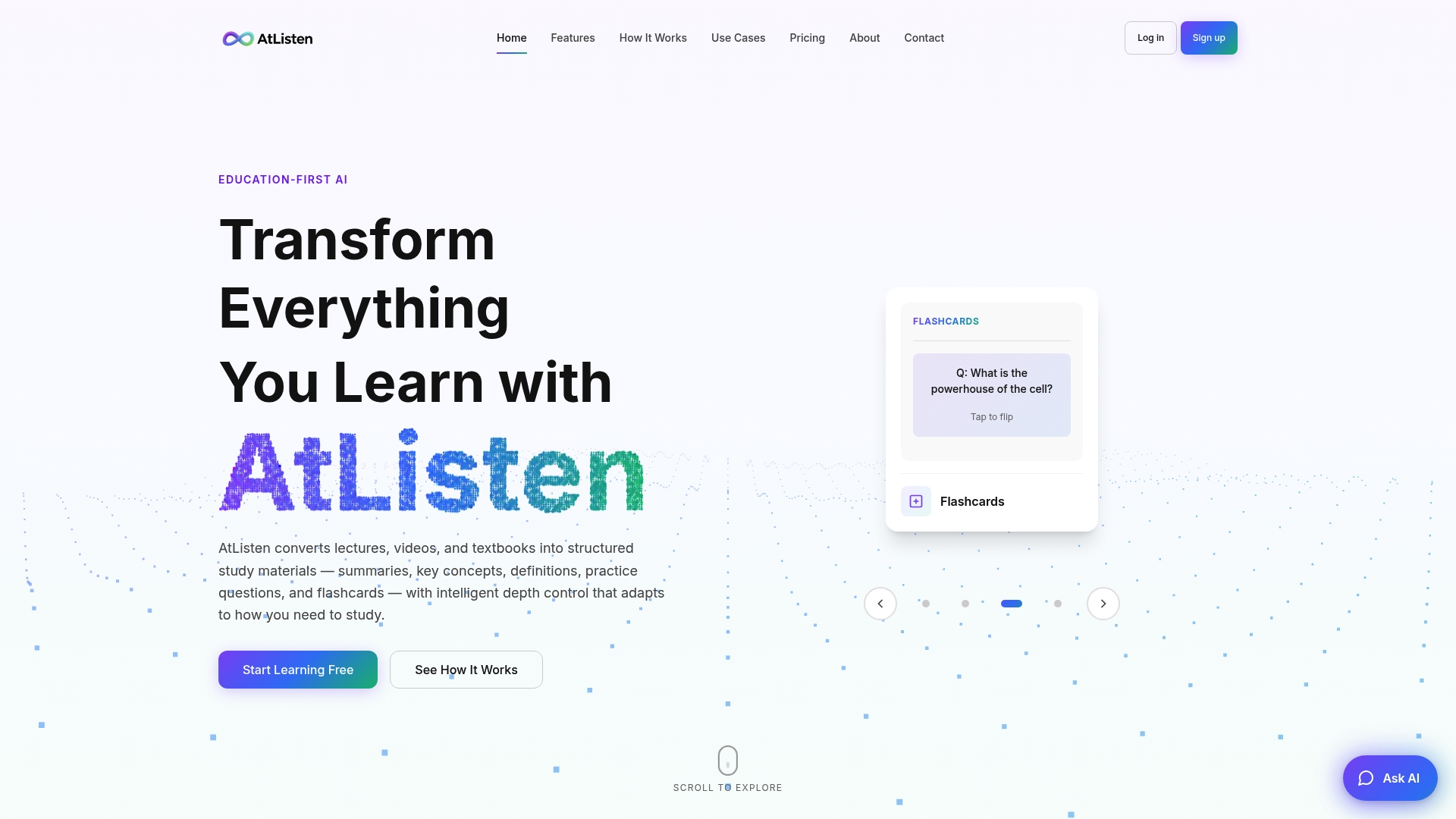
An intelligent depth control lets you expand or collapse how much detail comes back for each concept, so a quick concept check and a full literature review pull different levels of the same material. Instant feedback on practice questions helps confirm whether a concept flagged as essential holds up when tested. For a notes-first workflow that mirrors the steps above, see our six-step guide to studying with AI.
Start with our Free, Pro, and Max plans and turn your next set of readings into a structured study package today.

FAQ
How do I explain a concept?
Explaining a concept clearly means stating its core definition in plain language, then giving one concrete example that shows it in action. Strip away qualifiers and connecting words first, since those describe relationships rather than the concept itself, and define the remaining noun phrase on its own terms.
How do I identify key concepts while reading?
Use a routine like Get the Gist: stop after each section and write a one-sentence paraphrase of its main idea. Those paraphrases surface the nouns and themes worth carrying into a concept table or search string.
What are key concepts in a curriculum?
Key concepts in a curriculum are the core ideas a subject area expects learners to understand and apply, and they are context-dependent: different academic communities select different key concepts for the same general topic. What counts as essential in one course or field may be peripheral in another.
What is another word for "key concept"?
Common alternatives include "main idea," "core theme," and "central term," though the exact word used often depends on the discipline or database you are searching. In library and database contexts, a key concept is also sometimes called a search concept once it has been isolated from a research question.
Sources
- Identifying search terms for your literature review | Augustus C. Long Health Sciences Library
- Get the Gist Framework
- Developing & Documenting Your Search Strategy - LibGuides at University of Connecticut
- Tufts research guide on concept prioritization and search