
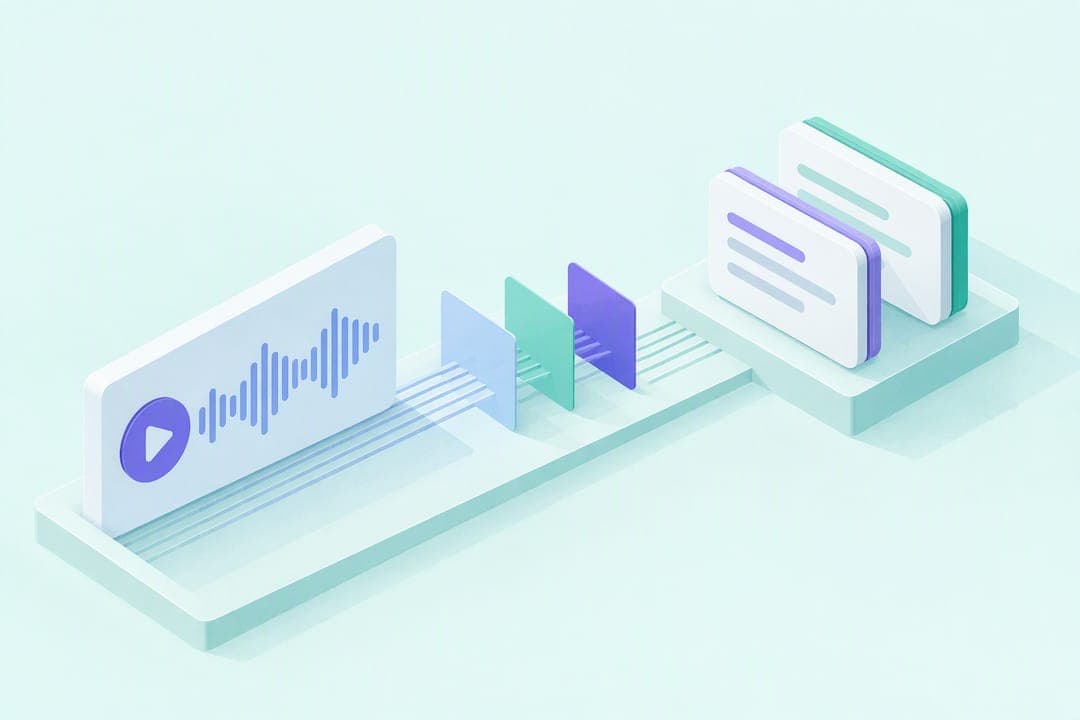
The fastest route depends on what you need: check the Podcasts app for a built-in transcript when one exists, run automated transcription plus an AI summary when it doesn't, or use a study-focused tool like AtListen when you want structured output. Pick the app transcript for speed, a study tool for retention, and manual verification against the audio when accuracy matters most.
TL;DR:
- Apple Podcasts offers searchable, copyable transcripts for supported episodes, and tapping a paragraph jumps to that point; availability depends on the show, episode, and region.
- When no app transcript exists, transcription services can process audio or RSS feeds and add timestamps, though accuracy varies with audio quality and speaker overlap.
- For study notes, request five main ideas, definitions, timestamped claims, and ten recall questions, then turn each idea into three to five focused flashcards.
- For quotations or surprising figures, replay the timestamp against the audio because transcription and AI summaries can misstate wording, numbers, or speaker attribution.
- Before uploading sensitive audio or a full episode, check retention rules and file size limits; paid tiers often raise those caps.
Table of Contents
- Practical methods to convert podcasts to notes
- Step-by-step workflow to turn an episode into study-ready notes
- How to pick the right method for your goal
- AtListen's learner-first workflow and why structured outputs matter
- What most advice on this topic gets wrong
- Try AtListen: start with one episode
- FAQ
- Sources
Practical methods to convert podcasts to notes
Three routes cover nearly every situation, and each one trades speed for depth differently.
The first is the built-in transcript inside your podcast app. Apple Podcasts lets you view and search episode transcripts on iPhone, and tapping a paragraph jumps playback to that exact point. The Mac version works the same way, with a transcript pane you can search and click to start playback at a specific line. This is the lowest-friction option when a transcript is available, though availability depends on the episode, the show, and sometimes the region.

The second route is automated transcription through a dedicated service. You upload the audio file or point the tool at the show's RSS feed, and it returns text with timestamps. Accuracy varies with audio quality and speaker overlap, and most services cap file size or episode length on free plans.
The third route is an AI summarization workflow: feed a transcript (or the audio itself) to an AI tool and ask for structured notes instead of raw text. OpenAI's own documentation notes that transcription is an interpretation and recommends checking important details rather than trusting the output blindly.
- Transcript only: fastest when available, free, but just raw text with no organization.
- Transcription service: good accuracy and timestamps, but usually paid beyond a short trial.
- AI summarization: turns raw text into usable structure, but still needs a verification pass.
Match the method to the goal: a plain summary works for casual review, a timestamped transcript works for research or citation, and a structured AI output works best when you're actually trying to learn the material.
Step-by-step workflow to turn an episode into study-ready notes
This workflow takes a single episode from audio to flashcards in roughly five steps, and it works whether you start with a transcript or raw audio.
- Get the transcript. Check the Podcasts app first. If nothing's there, transcribe the audio through a dedicated service or export the file for an AI tool.
- Clean it up and preserve timestamps. Strip filler words if the transcript is messy, but keep timestamps intact. They're what let you jump back to verify a claim later instead of re-listening to the whole episode.
- Run a structured AI prompt. Paste the transcript and ask for something specific, not a generic summary. Try this template:
"Summarize this transcript in 150 to 250 words. List the 5 main ideas as bullets. Define any technical terms mentioned. Separate factual claims from the speaker's opinions or evidence. Keep timestamps next to each main idea. Then write 10 recall questions with short answers based on the content."
- Verify before you trust it. Jump to the timestamps tied to any surprising claim or number and replay that segment. OpenAI's guidance is direct here: transcription and summarization are interpretive, so speaker attribution and specific figures deserve a second look.
- Export into a usable format. Markdown works for a running study doc. A CSV with "question,answer" columns imports cleanly into Anki or similar spaced-repetition apps.
Pro Tip: Turn each of the 5 main ideas into 3 to 5 flashcards instead of one big card per topic. Smaller, specific cards are faster to review and easier to grade honestly during spaced repetition.
This sequence (transcript, timestamped extraction, summary, definitions and recall questions, export) keeps the whole process verifiable while cutting down on re-listening.
How to pick the right method for your goal
Before you commit to a workflow, answer three quick questions: What's the end goal (quick recap, citation, or deep study)? How much accuracy do you actually need? And are you comfortable uploading this audio to a third-party tool?
- Need study materials: use a study-focused tool or an AI workflow that outputs flashcards and recall questions, not just prose.
- Need a quick recap: a 150 to 250 word summary is enough; skip the structured extras.
- Need citeable quotes: get a timestamped transcript and verify the exact wording against the audio before you quote it.
Before you pay for anything, check Apple Podcasts for a transcript first. Apple's documentation confirms the feature exists on supported episodes, and when it's there, it's free to search and copy.
Privacy matters more than most people assume when uploading audio. Check a tool's file-size limits and data retention policy before submitting anything sensitive. Paid tiers on most transcription and AI tools raise file-size caps, which matters if you're working with a full-length interview rather than a short clip.
AtListen's learner-first workflow and why structured outputs matter
A plain summary tells you what an episode covered. A structured output tells you what to actually remember from it, and that gap is where most podcast note-taking falls short.
On AtListen, the workflow is built around that gap: you upload the audio, pick a depth level, and get back a study packet built from the episode instead of a wall of text. The packet includes a summary, key concepts with definitions, key facts, and practice questions with explanations, plus flashcards formatted for spaced repetition.
- Upload audio to the platform to start the process.
- Select an amount of detail to extract.
- Get a study packet that includes summaries, concepts, and flashcards based on that upload.
For a deeper walkthrough of this process, our guide on turning lecture audio into study-ready notes covers the same steps in more detail, and our piece on turning notes into flashcards picks up right where the study packet leaves off. As with any AI-generated output, verify important quotes and keep timestamps handy if you plan to cite the episode later.
What most advice on this topic gets wrong
Most guides on converting podcasts to notes stop at "summarize it," and that's the weakest version of this whole process. A summary tells you what an episode said. It doesn't test whether you remember it, and it doesn't hold up three weeks later when you need the material for an exam or a report.
The workflow that actually works treats the podcast like source material, not content to skim once. That means definitions you can quiz yourself on, recall questions you have to answer without looking, and timestamps you can jump back to when something sounds off. Students default to generic AI summaries because they're fast, but fast and remembered are different goals.
If you take one thing from this: don't ask an AI tool for "a summary." Ask it for recall questions and definitions, and check the output against the actual audio before you trust it.
— William
Try AtListen: start with one episode
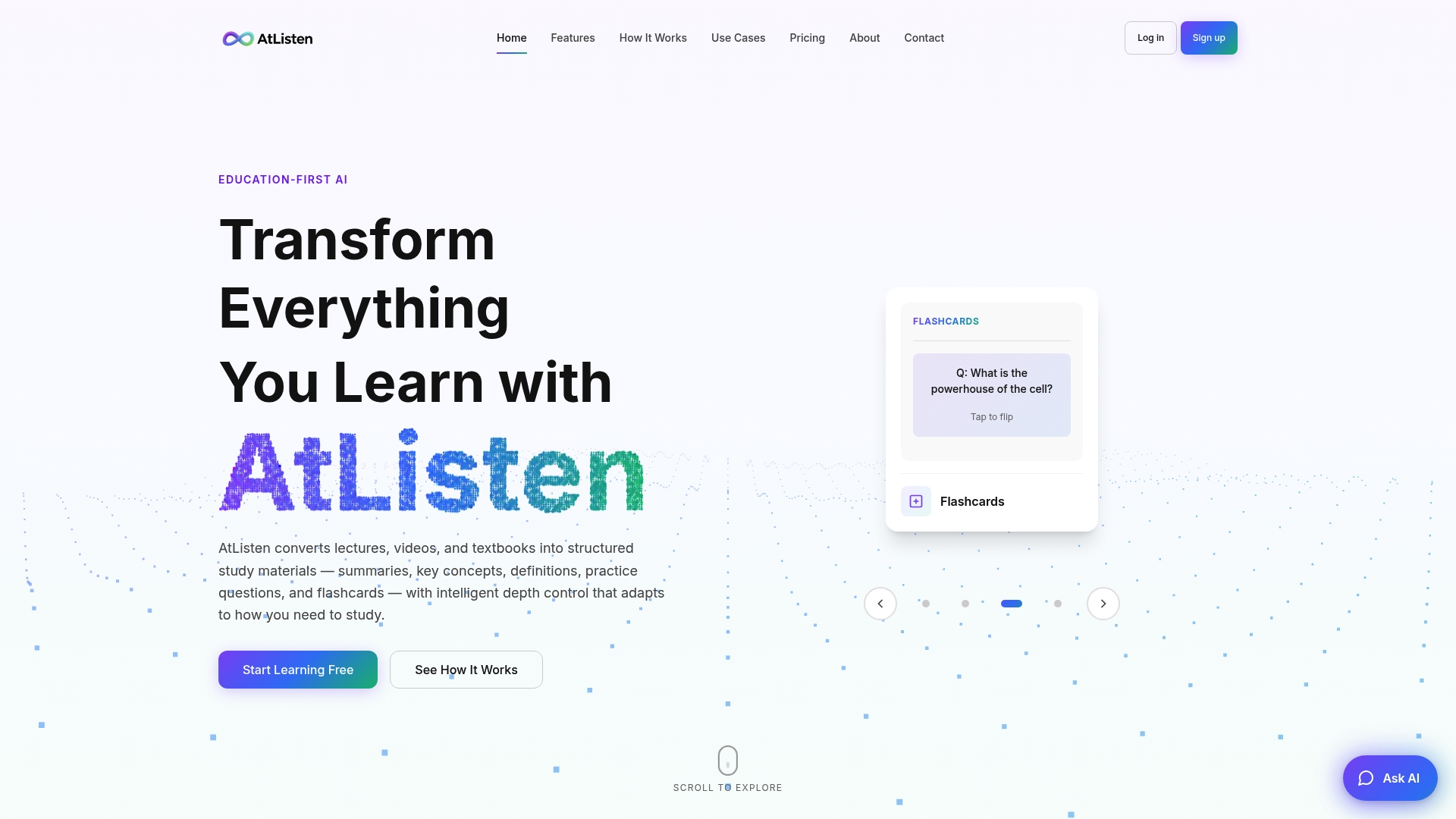
We built AtListen around one idea: a podcast episode should turn into something you can study, not just something you've read once. Upload a single episode, pick a depth level, and generate a short study packet: a summary, 5 recall questions, and 10 flashcards.
- Start on a no-cost plan to try the workflow on one episode.
- Upgrade to higher tiers for more usage and features; pricing details are available on the website.
- Try AtListen's plans and run your first upload today.
If you'd rather turn a finished set of notes into something shareable, like a study guide or a digital resource pack, Genesize's guide to building and selling an ebook with AI walks through that next step.
FAQ
How do you make notes from a podcast?
Get the transcript first, either from the podcast app's built-in feature or through a transcription service, then run it through a structured prompt asking for main ideas, definitions, and recall questions. Verify key claims against the timestamped audio before treating the notes as final.
Can ChatGPT transcribe a podcast?
Yes, OpenAI's documentation confirms uploaded audio files can be transcribed and converted into notes, though it also notes transcription is interpretive and may contain errors. Check speaker labels and specific figures against the original audio before relying on the output.
Can I transcribe an Apple Podcasts episode into text for free?
Yes, when the episode has a transcript available. Apple Podcasts supports viewing and searching transcripts on iPhone, and tapping a paragraph jumps playback to that moment, with the same feature available on Mac. Availability depends on the show, episode, and region.
Can I convert a podcast to text?
Yes, through a built-in app transcript when one exists, a dedicated transcription service that processes the audio file, or an AI tool that transcribes uploaded audio. Each route produces plain text; turning that text into organized study notes requires an additional summarization or structuring step.
Sources
- View podcast transcripts on iPhone - Apple Support
- Uploading files and audio to ChatGPT | OpenAI Help Center